Active vs Archival Storage: How We Store Petabytes on Pennies
Video files are big. Raw footage is bigger. And when you've been producing content for 15 years, storage becomes an existential problem. Here's how we solved it.
The Two Storage Problem
In video production, you have two very different storage needs:
- Active storage: The stuff you're working on right now. Needs to be fast, accessible, and collaborative.
- Archival storage: Everything you've ever made that you might need again someday. Needs to be cheap and reliable.
These are fundamentally different problems with fundamentally different solutions.
Our Archival Journey
The Old Way: SNS EVO
We used to run an SNS EVO server for our archive. It worked. It was reliable. It was also expensive. Really expensive. It was a Linux box that required paid support contracts, proprietary hardware, and constant hard drive purchases. Industry standard, sure, but industry standard also means industry pricing.
I actually wrote about our setup on their platform: SNS EVO and NewTek TriCaster at Microsoft Channel 9 Studio
The New Way: Azure File Sync
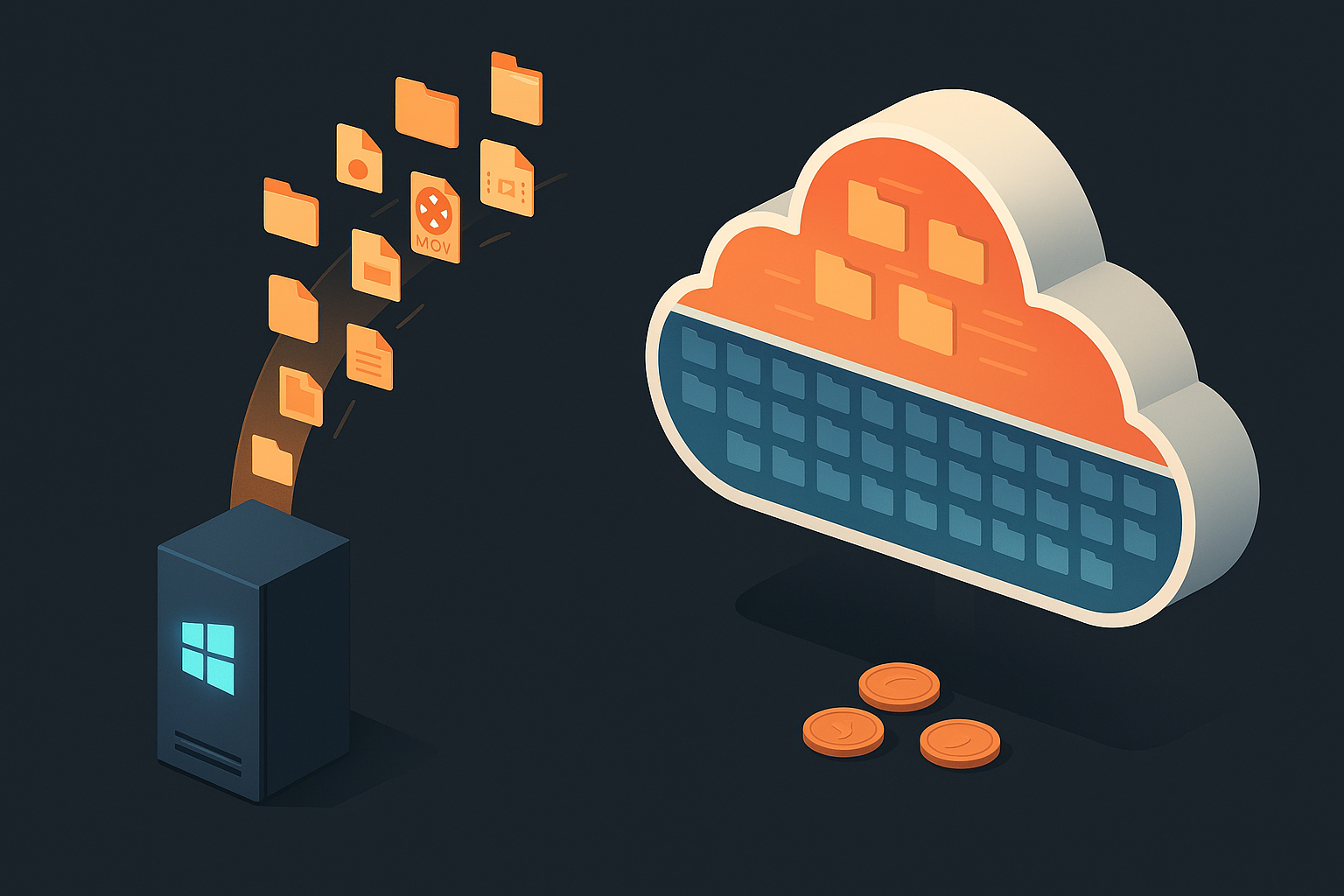
Now we run a generic Windows Server box (commodity hardware) with about 80 terabytes of local storage. The game-changer? Azure File Sync.
The setup is beautifully simple. Users just drop files into a traditional file share like they always have. No special software, no new workflows. Behind the scenes, Azure File Sync is running on that server, connected to Azure Blob Storage.
The Two Policies That Make It Work
Azure File Sync uses two policies to manage what stays local and what gets tiered to the cloud:
- Time-based: Anything older than X number of days gets archived automatically.
- Space-based: If free space drops below 20%, it starts moving older files up to the cloud.
We started with maybe 10-20 terabytes of local storage. When the drives got old, we replaced them with larger, cheaper commodity drives. Now we've got around 80 terabytes locally, but we kept the same policies running. The system just handles it.
The Magic: Streaming Recall
Here's the really clever part. When someone needs an archived file (say, a 35GB clip or even a 2TB project folder) they just double-click it in File Explorer like normal. The file starts playing immediately while it streams down from Azure in the background. No waiting for a full download.
Once you access a file, it resets the clock on the time policy and adjusts the space calculations. The system assumes "they looked at this, they might want it" and keeps it local until it ages out again.
The Cost Reality
Azure Blob Storage costs pennies per terabyte. We're using the cheapest tier (slow storage) because we don't need fast access for archival footage. When you're shooting with RED cameras and going through a couple terabytes a month, this math matters.
The alternative (Frame.io archival storage or similar creative cloud storage) is insanely expensive by comparison. This solution lets us keep everything forever without making painful decisions about what to delete.
The One Downside
There's no indexing. No search. If you need that B-roll from 2019, you better remember what folder it's in. AI-powered search across our archive would be incredible, but the cost of running cognitive services across petabytes of video isn't worth it yet. Maybe someday.
Active Storage: Frame.io
For active projects (the stuff we're editing right now) we use Frame.io.
The Adobe and Azure partnership here has been huge. Cloud-native editing workflows, real-time collaboration, AI-powered features for searching and organizing footage. It's built for creative teams who need to move fast.
Why This Works for Us
- UI that creatives can use. Drop-down menus. Visual interfaces. Drag and drop. My team are video producers, not sysadmins.
- Built for collaboration. Comments on frames, version tracking, approval workflows.
The Bottom Line
| Storage Type | Our Solution | Why |
|---|---|---|
| Archival | Windows Server + Azure Blob (File Sync) | Cheap, reliable, tiered |
| Active | Frame.io | Fast, collaborative, creative-friendly |
If you're drowning in storage costs, seriously look at cloud tiering. The math works out. And your future self will thank you when you can actually find that footage from 2019.
Comments